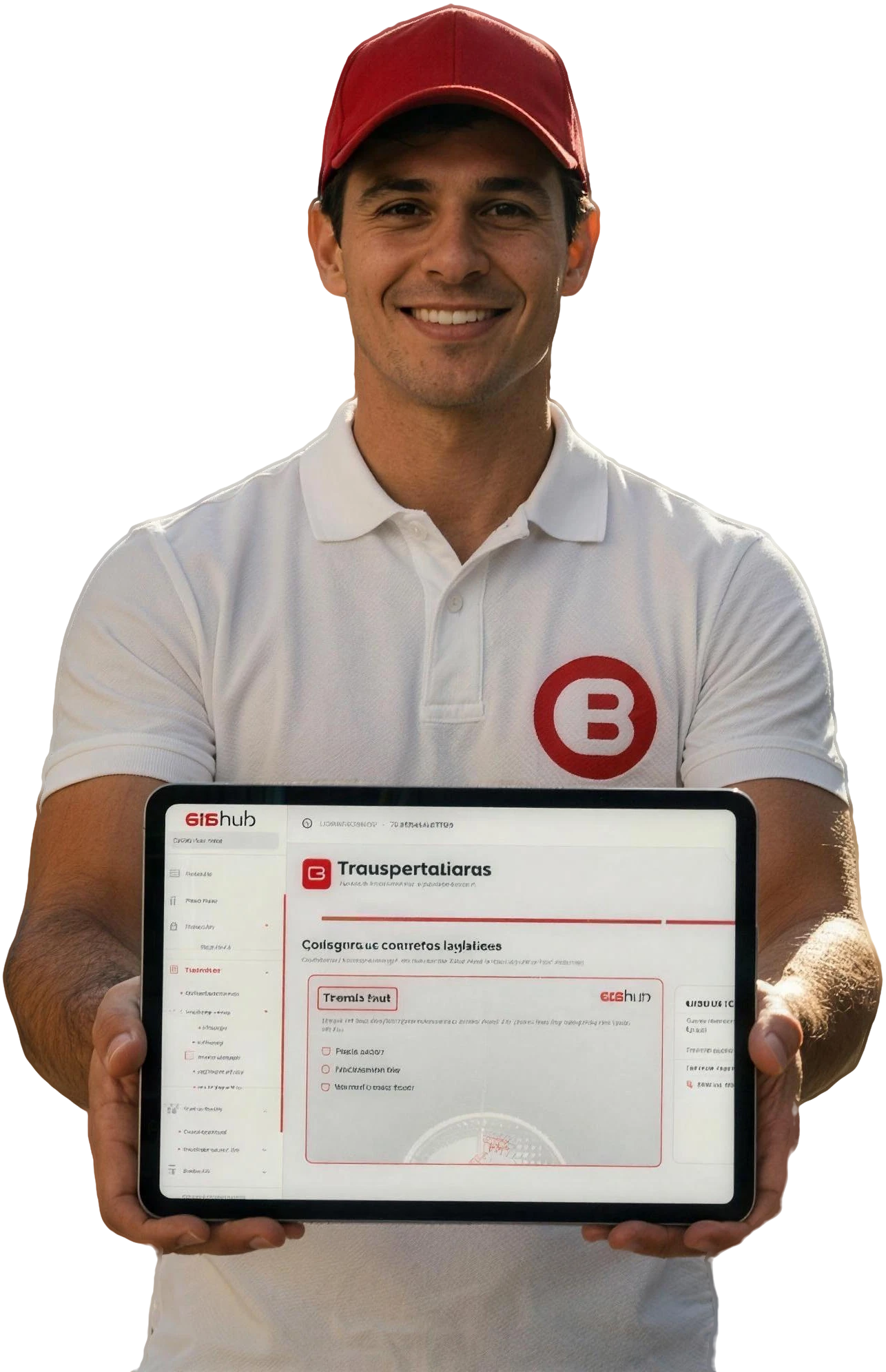

Save on every label issued.Issue labels, register the shipment and send the tracking code to the marketplace and the end customer, all on the same platform.
- 01
One-click labels
One-click issuing from the orders of your own store and of the connected marketplaces.
- 02
Automatic tracking
The tracking code is sent automatically to the marketplace and to the end customer.
- 03
Pick-up scheduling
Book the pick-up with the carrier directly on the platform, with the pick-up times configured by you.
- 04
Preset addresses and packaging
Set up your origin and pick-up addresses and default packaging, with dimensions and maximum weight, to create labels faster.
Create a label in four steps
- 1
Choose the order
From a marketplace, a standalone order or one coming from a plugin.
- 2
Confirm volumes and packaging
With the EAN, the product record fills itself in; then choose the packaging.
- 3
Choose the carrier
Or let the algorithm pick the best option for this shipment.
- 4
Issue and dispatch
The label is generated, the shipment registered and tracking linked to the platform.
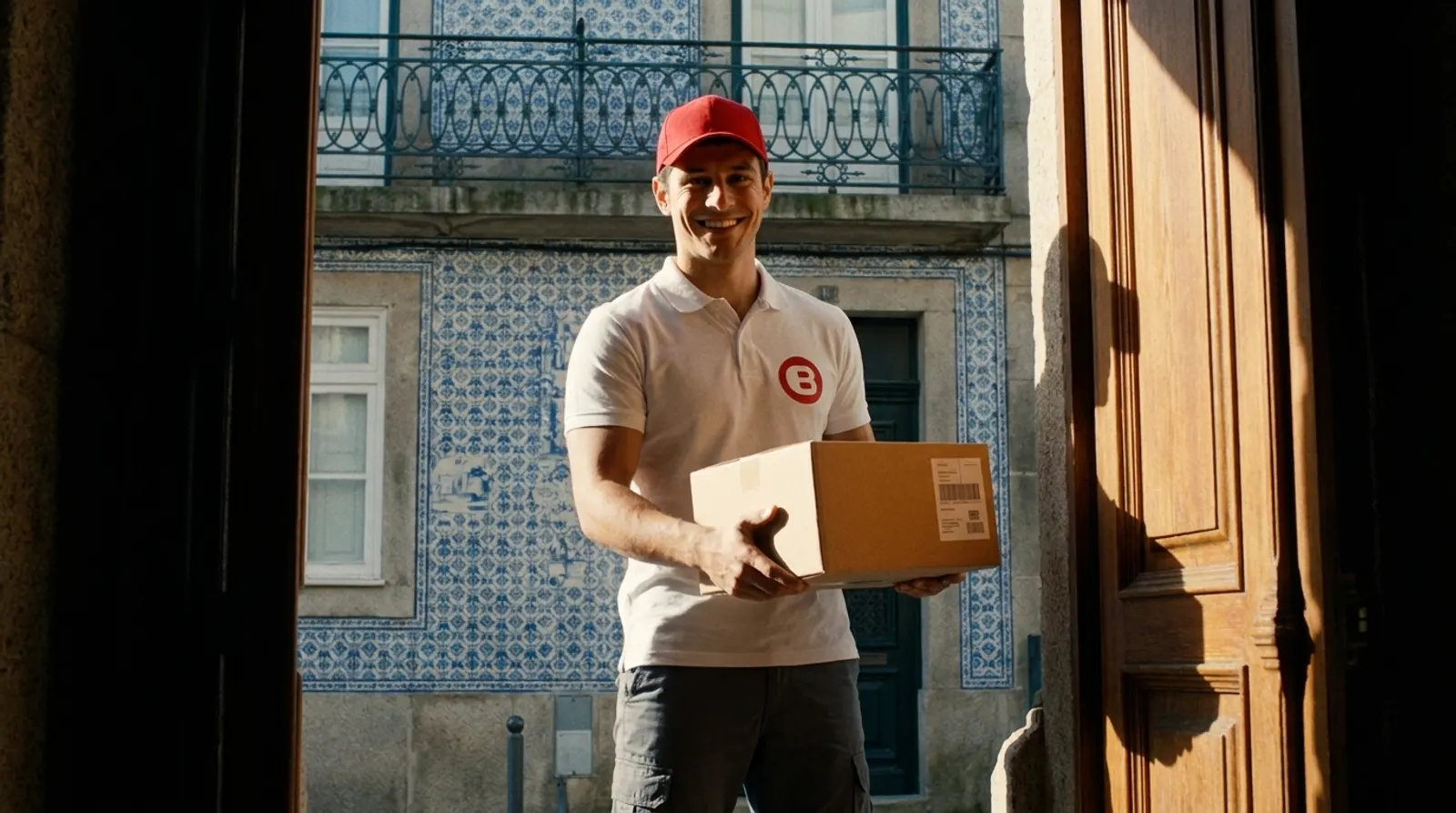
Enter the EAN. The rest fills itself in.
Just enter each product's EAN code: the system automatically completes name, images and category, speeding up label creation and catalogue management (as long as it is integrated into the BIGhub ecosystem).
Frequently asked questions
Can I create labels for marketplace orders?
Yes. Sales from your own store and from all connected marketplaces arrive automatically on the platform; you choose the order and create the label.
Does the customer receive the tracking code?
Yes. The code is sent automatically to the marketplace and to the end customer, with no manual work.
Can I schedule pick-ups on the platform?
Yes. Pick-ups are booked with the carrier directly on the platform, using your pick-up times.
Do I have to enter addresses and products by hand?
No. Orders arrive without manually entering addresses, products or quantities, and the EAN completes each product's record when integrated into the BIGhub ecosystem.